

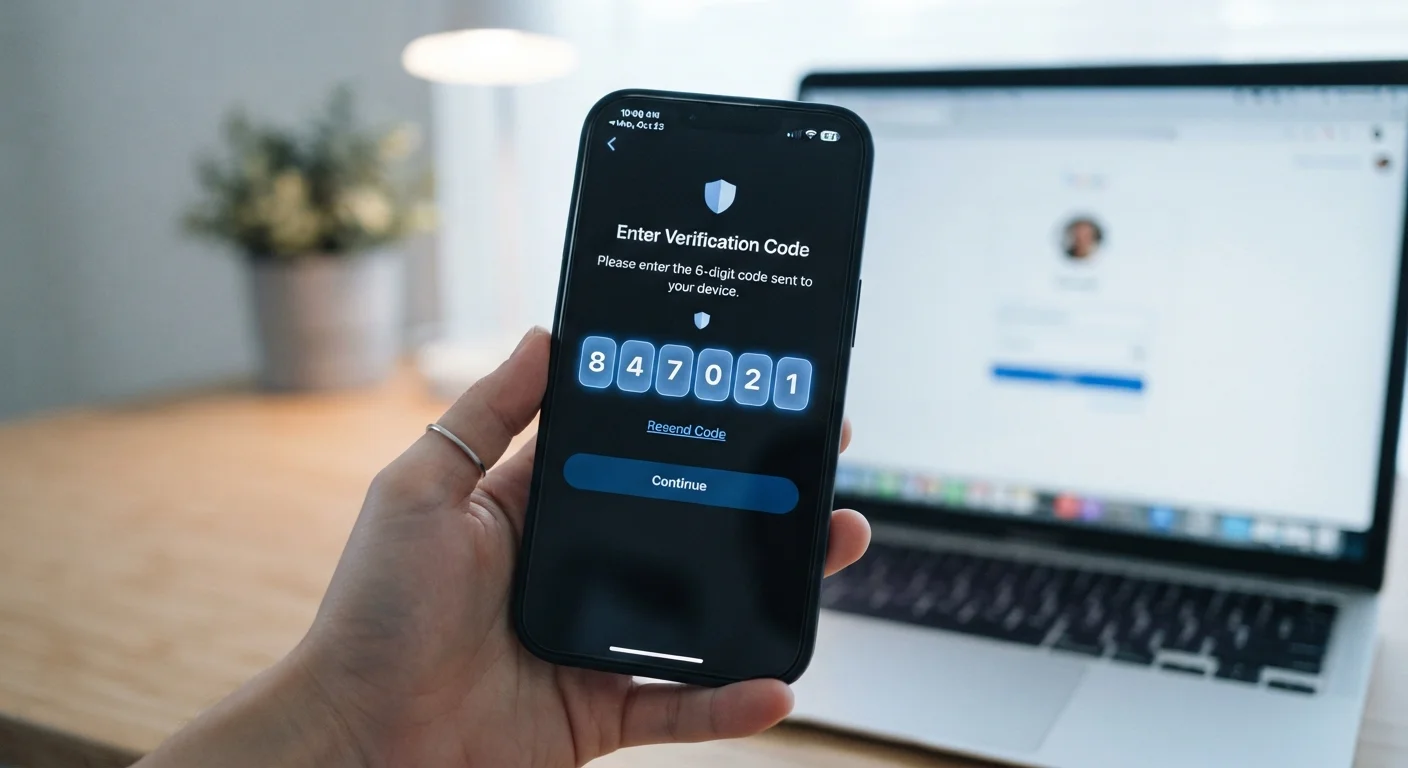
Why a password alone is not enough
Passwords get leaked constantly. When a service is breached, attackers sell or share lists of email-and-password pairs. Automated tools then try those combinations across hundreds of other sites, a technique called credential stuffing. If you reuse a password, one breach can cascade into many compromised accounts.
Two-factor authentication breaks that chain. Even when an attacker has your correct password, they still need the second factor, which exists only on a device in your possession. The two pieces of information are rarely exposed at the same time, so the combination is far harder to exploit.
This is also why 2FA works alongside, not instead of, a strong password habit. For background on managing passwords safely, see our explainer on how password managers work.
Save your backup codes before you need them
When you enable 2FA on any account, the service will typically offer a set of single-use backup codes. Write these down or print them and store them somewhere physically secure, separate from your phone. If you lose your device or authenticator app, these codes are often the only way to regain access without going through a lengthy support process.
The three main methods apps use
SMS codes. The app or service texts a short numeric code to your phone number after you enter your password. You type in the code to complete login. This is the most widely available method because it requires no additional app or hardware. However, it has a known weakness: an attacker who can redirect your phone number, by convincing your carrier to transfer it to a new SIM card, can receive those codes instead of you.
Authenticator apps. Apps that follow the Time-based One-Time Password (TOTP) standard generate a new six-digit code every 30 seconds using a secret key shared with the service at setup. The codes are produced locally on your device, with no network connection needed. Because the codes expire so quickly and never travel over a text message, they are substantially harder to intercept. When you set up TOTP, the service shows a QR code; the authenticator app scans it and stores the secret. From that point forward, the app and the service generate matching codes independently.
Hardware security keys. A physical USB or NFC device that you plug in or tap against your phone. The key uses the FIDO2 or WebAuthn standard to cryptographically prove your identity to the specific website you are logging into. Crucially, the key checks the domain name during authentication. On a fake phishing site, the key will simply not respond, because the domain does not match. This makes hardware keys the most phishing-resistant option available to consumers.
Push notifications and biometric variants
Some services send a push notification to an official app on your phone instead of a code. You approve or deny the login request with a tap. This approach is convenient and avoids the risk of you mistyping a code, but it introduces a new risk: if an attacker bombards you with approval requests, you might tap 'approve' by mistake to stop the notifications. This is called MFA fatigue or prompt bombing.
Biometrics, such as a fingerprint or face scan, appear as a second factor in some mobile banking and enterprise apps. Strictly speaking, the biometric often unlocks a credential stored on the device rather than being sent to the server. The security level depends on how the device stores and verifies that credential. Modern smartphones use dedicated secure hardware for this, which makes the approach reasonably strong in practice.
Over 80%
Of account takeovers that 2FA can block
Google has reported that adding any second factor blocks the vast majority of automated bot attacks targeting accounts.
30 seconds
Lifespan of a TOTP code
TOTP codes regenerate every 30 seconds under the RFC 6238 standard, limiting the window an intercepted code remains usable.
Less than 10%
Of users who enable available 2FA
Twitter (now X) disclosed in 2023 that fewer than 2.6% of active accounts had any form of two-factor authentication enabled, illustrating how underused the feature remains.
What 2FA does not protect against
Two-factor authentication addresses the risk of a stolen password. It does not protect your account if the attacker is already inside it, for example through a session hijacking attack where they steal a browser cookie after you have already authenticated. It also does not protect your device itself: if malware is running on your phone, it can potentially read codes as they appear.
Real-time phishing attacks are a specific concern with TOTP codes. A convincing fake site can ask you for your code and immediately relay it to the real site before the 30-second window expires. Hardware keys are immune to this because of domain binding; TOTP codes are not. Understanding this distinction matters when you choose which method to use for your most sensitive accounts.
For a broader look at how online privacy tools interact with each other, our VPN explainer covers what encryption-in-transit can and cannot do for your security.
Choosing the right method for your accounts
For most accounts, an authenticator app is a practical and significant improvement over SMS. The setup takes a few minutes: scan a QR code in the service's security settings, and the app begins generating codes immediately. Store the backup codes the service provides somewhere you can retrieve them without your phone.
For accounts with the highest stakes, such as your primary email, financial accounts, or a password manager, a hardware security key provides the strongest available protection. Email is worth prioritizing because most other services use it for password resets, so a compromised email account is a skeleton key to everything else.
SMS remains a reasonable choice when a service offers nothing else, or when you are setting up 2FA for a family member who finds app-based codes confusing. The goal is consistent use across accounts. Password managers can also store TOTP codes in some configurations, keeping both credentials in one place.


