What resume format actually means
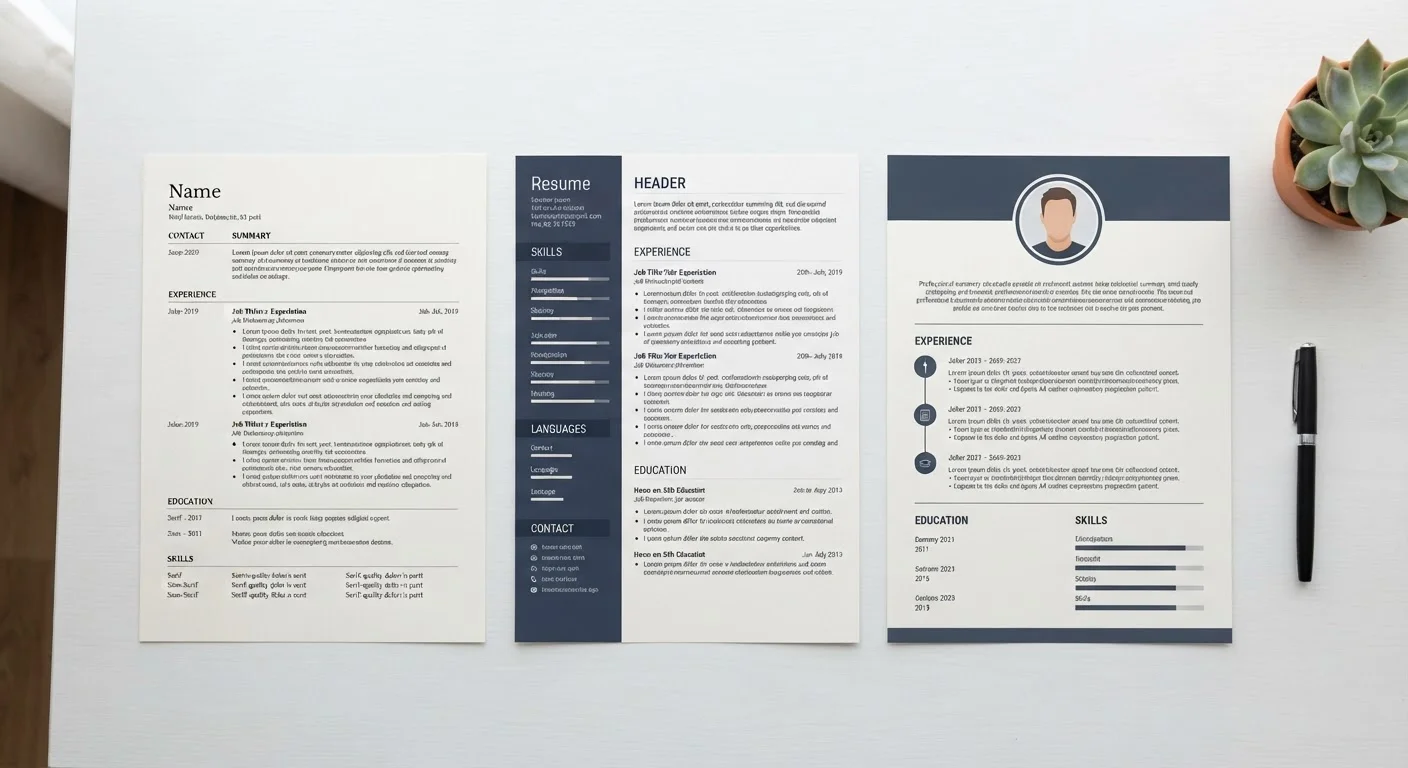
A resume format is the structural logic that decides which information appears first, how it is grouped, and what the reader notices before anything else. Format is separate from design choices like fonts or colors. Two resumes can look visually similar but use completely different formats depending on whether work history or skills anchors the document.
Three formats dominate hiring in the United States: chronological, functional, and hybrid. Each one makes a different implicit argument to a recruiter, and each one interacts differently with applicant tracking systems (ATS), the software most employers use to parse and filter applications before a human sees them. Understanding those differences is the first step toward choosing the right structure for your situation. For a broader glossary of resume terminology, see Common Resume Terms Decoded.
Chronological format
The chronological format lists your work experience in reverse order, starting with your most recent position and working backward. Each entry names the employer, your title, the dates you held the role, and a set of accomplishment-focused bullet points. Education typically follows at the end.
This format is the default in most industries because it answers the question recruiters ask first: what have you done lately, and does it connect to what we need? ATS software is built around it, so documents in this structure parse cleanly with minimal field errors.
Chronological works well when your job titles have progressed, your employers are recognizable in the industry, and there are no lengthy gaps between roles. It becomes a liability when your history is fragmented, when you are changing fields entirely, or when your most relevant experience is older rather than recent.
| Chronological | Functional | Hybrid | |
|---|---|---|---|
| Primary focus | Work history in reverse order | Skills and competencies | Skills summary plus full history |
| ATS compatibility | High | Low to moderate | High |
| Recruiter familiarity | Standard expectation | Often viewed with suspicion | Widely accepted |
| Best for | Steady career progression | Niche skill-driven roles | Career changers, gaps, transitions |
| Employment gap handling | Gaps are visible | Gaps are de-emphasized | Gaps can be framed in summary |
| Typical length | One to two pages | One page | One to two pages |
Functional format
The functional format replaces the experience-first structure with a skills-first one. A large skills section at the top groups your abilities into categories, such as Project Management, Client Communication, or Data Analysis, with brief supporting points under each. Work history is condensed to a short list near the bottom, often showing only employer names, titles, and dates with no bullet points.
Applicants sometimes choose this format to redirect attention away from gaps in employment, a career change, or a history that does not map neatly to the target role. The logic is sound in theory: lead with what you can do rather than where you have been.
In practice, however, the functional format has a significant problem. Many recruiters recognize it as a signal that something is being hidden, and ATS software frequently fails to associate your skills claims with specific employers or time periods, which can cause your application to score poorly in automated screening. Unless you are submitting to a role where portfolio or skills evidence dominates the decision, this format carries more risk than it eliminates.
Hybrid format
The hybrid format (sometimes called a combination resume) opens with a professional summary and a consolidated skills section, then moves into a full reverse-chronological work history with accomplishment bullets. Both the skills snapshot and the detailed history are present.
This structure works for most job seekers because it gives recruiters the quick context they want at the top without hiding the work history that ATS systems and hiring managers expect. Career changers benefit from it because the summary section lets them frame transferable skills before the reader encounters job titles that may seem unrelated. Returning workers can use a concise summary to set context around a gap before the history begins.
The tradeoff is length: a well-built hybrid resume can run to two pages, which is acceptable for applicants with more than ten years of experience but may feel padded for early-career candidates. If your work history is thin, a streamlined chronological resume with a short summary at the top accomplishes much of the same thing.
Once you have settled on a format, the next step is customizing the content for each application. Tailoring a Resume Without Starting from Scratch Every Time explains a repeatable process for doing that efficiently. Before you submit, use Before You Hit Submit to confirm everything is polished.
How to choose the right format for your situation
Start with your work history. If it is consistent, recent, and relevant to the roles you are targeting, chronological is the cleanest choice and the one that will move through ATS software most reliably.
If you are changing careers, re-entering the workforce after time away, or have held roles that do not form an obvious progression, the hybrid format gives you the most control over your narrative without hiding information that screeners will look for anyway.
Reserve the functional format for specific circumstances: highly specialized freelance work where skills and portfolio matter more than employer history, or roles where the posting itself asks for a skills-based submission. Even then, consider whether a hybrid could accomplish the same goal with less risk.
Your resume does not exist in isolation. Recruiters who find your resume through a job board will likely also look at your LinkedIn profile. LinkedIn Profile Elements That Recruiters Actually Look At covers which sections get attention and what each one should accomplish, so your two documents reinforce each other. For guidance on where to post and which platforms suit different career situations, see Making Sense of Modern Job Boards.