

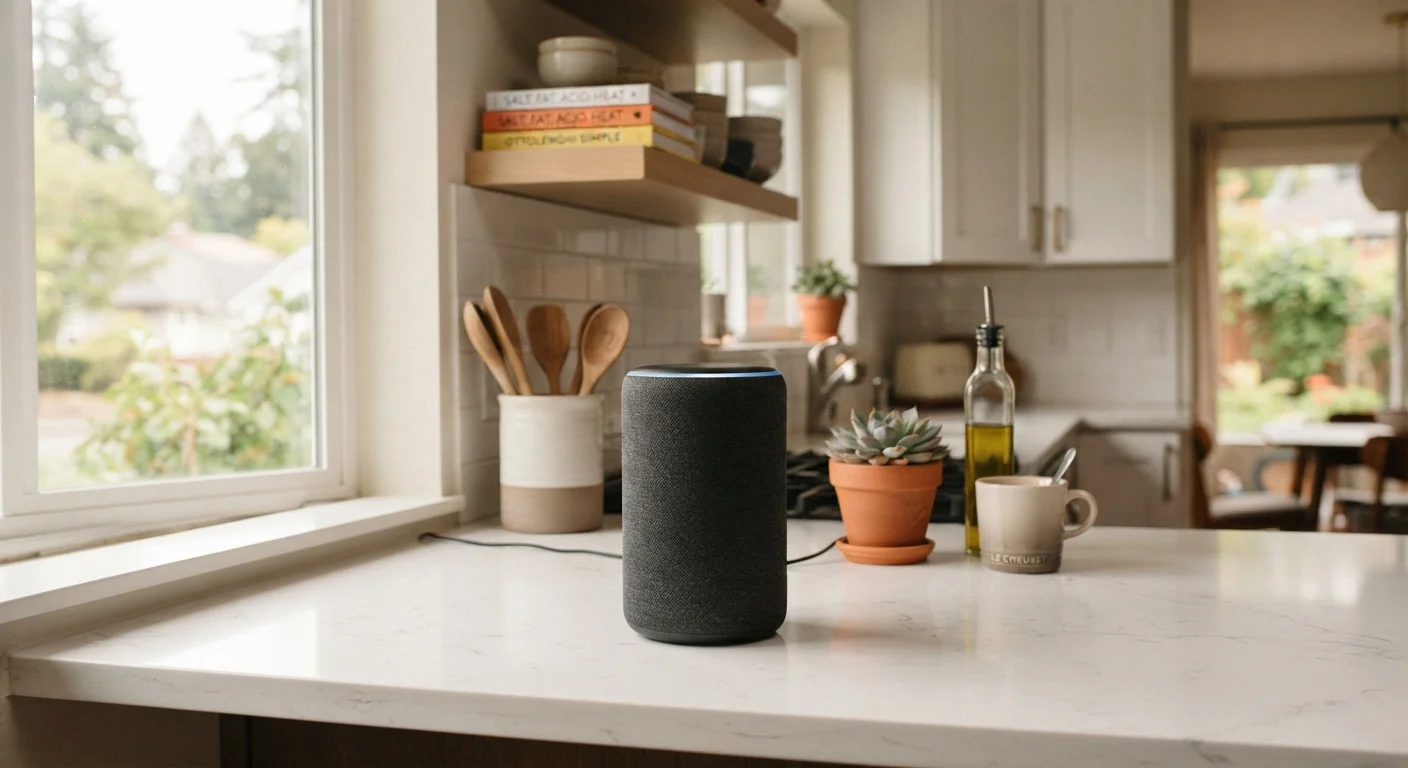
What a smart speaker actually does
A smart speaker is a wireless audio device with a built-in voice assistant. You speak a wake word, such as "Alexa" or "Hey Google," and the device processes your request, either locally or by sending audio to remote servers. From there it can play music, read the weather, set a timer, answer general questions, or send commands to compatible smart home devices like lights, thermostats, and locks.
The speaker component is real but often secondary. Most people use these devices more as voice-activated computers than as high-fidelity audio equipment. Sound quality ranges from adequate for background music to genuinely good, depending on the model, but dedicated Bluetooth speakers or home audio systems will outperform them on audio alone.
They connect through your home Wi-Fi and require an account tied to the manufacturer's platform. That account link is what enables the assistant to learn your preferences, access your calendar, manage your shopping list, and integrate with third-party apps and services.
Where smart speakers genuinely help
Hands-free control for everyday tasks
Setting timers, playing music, and checking the weather require no screen interaction. This is particularly useful while cooking, exercising, or whenever your hands are otherwise occupied.
Central control for smart home devices
When paired with compatible lights, thermostats, and locks, a single voice command can control multiple devices at once without switching between apps.
Routine automation saves repeated steps
Preset command sequences can trigger several actions simultaneously, such as turning off lights and locking doors with one phrase at bedtime.
Always available without unlocking a device
Unlike a phone, a smart speaker responds immediately without requiring you to wake the screen, enter a PIN, or open an app.
Accessible for people with mobility limitations
Voice-controlled operation removes the need to physically interact with switches, knobs, or phone screens, which can make daily tasks significantly easier for some users.
The clearest benefit is hands-free control. When your hands are full in the kitchen or you are across the room, asking a device to set a five-minute timer or adjust the thermostat is faster than pulling out a phone. For people with mobility limitations, that convenience can be more than just comfort; it can make daily routines more manageable.
Smart speakers also serve as a central hub when you have multiple smart home devices. Rather than opening a separate app for your lights, another for your thermostat, and a third for your locks, a single spoken command can coordinate all of them. The more compatible devices you own, the more the speaker earns its place.
Routine automation is another practical use. You can set up sequences, sometimes called "routines" or "scenes," that trigger multiple actions from one command. Saying "good morning" might turn on the lights, read your calendar, and start your preferred radio station simultaneously.
Where smart speakers fall short
Microphone is always on by default
The device continuously listens for its wake word, and accidental triggers can result in short recordings being stored on manufacturer servers. Opt-out settings exist but require manual setup.
Voice recognition misses accents and noise
Systems trained primarily on neutral American English may struggle with regional accents, children's voices, or commands spoken in noisy environments, leading to errors or non-responses.
Tied to one manufacturer's ecosystem
Compatibility with smart home devices and third-party services often depends on the platform. Switching ecosystems later can mean losing functionality across connected accessories.
Requires a stable Wi-Fi connection
Most processing happens on remote servers, so a weak or interrupted internet connection limits what the device can do, sometimes stopping it entirely.
Data collection extends beyond voice commands
Linking your calendar, music service, or shopping account grants the platform access to personal data well beyond simple audio queries, and default settings are not always minimal.
Audio quality lags behind dedicated speakers
While some models produce decent sound, smart speakers are designed around voice interaction, and a comparably priced dedicated audio device will typically outperform them on music quality.
Voice recognition is inconsistent. Background noise, accents, and speech patterns the assistant was not trained on can lead to misheard commands or flat refusals. Children's voices and strong regional accents are often handled less reliably than the neutral American English most systems are optimized for.
Privacy is a genuine concern, not a theoretical one. The microphone is always on, listening for the wake word. Manufacturers have acknowledged that short audio clips are sometimes recorded after accidental wake-word triggers, and human reviewers have historically listened to some of those clips to improve accuracy. Most platforms now offer opt-out settings, but those settings require you to find and change them manually. For guidance on managing your digital privacy more broadly, see how to navigate privacy controls on connected platforms.
Platform compatibility before you buy
Smart speakers are built around proprietary platforms, and not every smart home device works with every platform. Before adding a speaker to your home, check whether the devices you already own or plan to buy list compatibility with that speaker's ecosystem. Manufacturer product pages and device packaging typically list supported platforms. Mismatched devices often cannot communicate at all, even when both are marketed as 'smart.'
The ecosystem lock-in is also worth considering. A speaker optimized for one platform works poorly or not at all with competing smart home systems. If you switch platforms later, your compatible accessories may not follow.
Privacy settings you should review
Every major smart speaker platform gives you some control over your data. The settings are rarely prominent, but they exist. You can typically delete your voice history, turn off the option for human review of your recordings, and in some cases use a physical microphone mute button to stop the device from listening at all.
The mute button is a hardware switch that cuts power to the microphone circuit. It is the most reliable way to prevent recording when you are having a conversation you do not want captured. The device cannot hear a wake word while muted, so it will not respond to commands either.
Location data, purchase history, and connected-service permissions are separate settings worth reviewing. When you link your calendar, music service, or smart home apps to the speaker's platform, you are granting data access that goes beyond voice commands. Reviewing those permissions periodically, the same way you might audit app permissions on your phone, is a practical habit. The principles in understanding which data risks are real and which are overstated apply here too.
35%
U.S. adults who own a smart speaker
According to Pew Research Center survey data, roughly one in three American adults reported owning a smart speaker as of recent years.
Top use
Most common smart speaker activity
Playing music and asking general questions consistently rank as the most frequent uses in user surveys, ahead of smart home control.
How it compares to other connected devices
A smart speaker shares some features with a smart TV's built-in assistant, but the use cases differ enough that they do not replace each other. A smart TV's voice controls are designed around navigating video content; a smart speaker's assistant is built for broader queries and home automation. If you are evaluating connected devices in general, what a smart TV's app ecosystem actually involves is worth reading alongside this.
Smartphones can do nearly everything a smart speaker does, including voice commands, timers, music playback, and smart home control. The speaker's advantage is that it is always on, always in the room, and requires no picking up or unlocking. That convenience is real, but it is narrow. If you already use your phone's voice assistant regularly and find it sufficient, a dedicated smart speaker may add less than you expect.


