

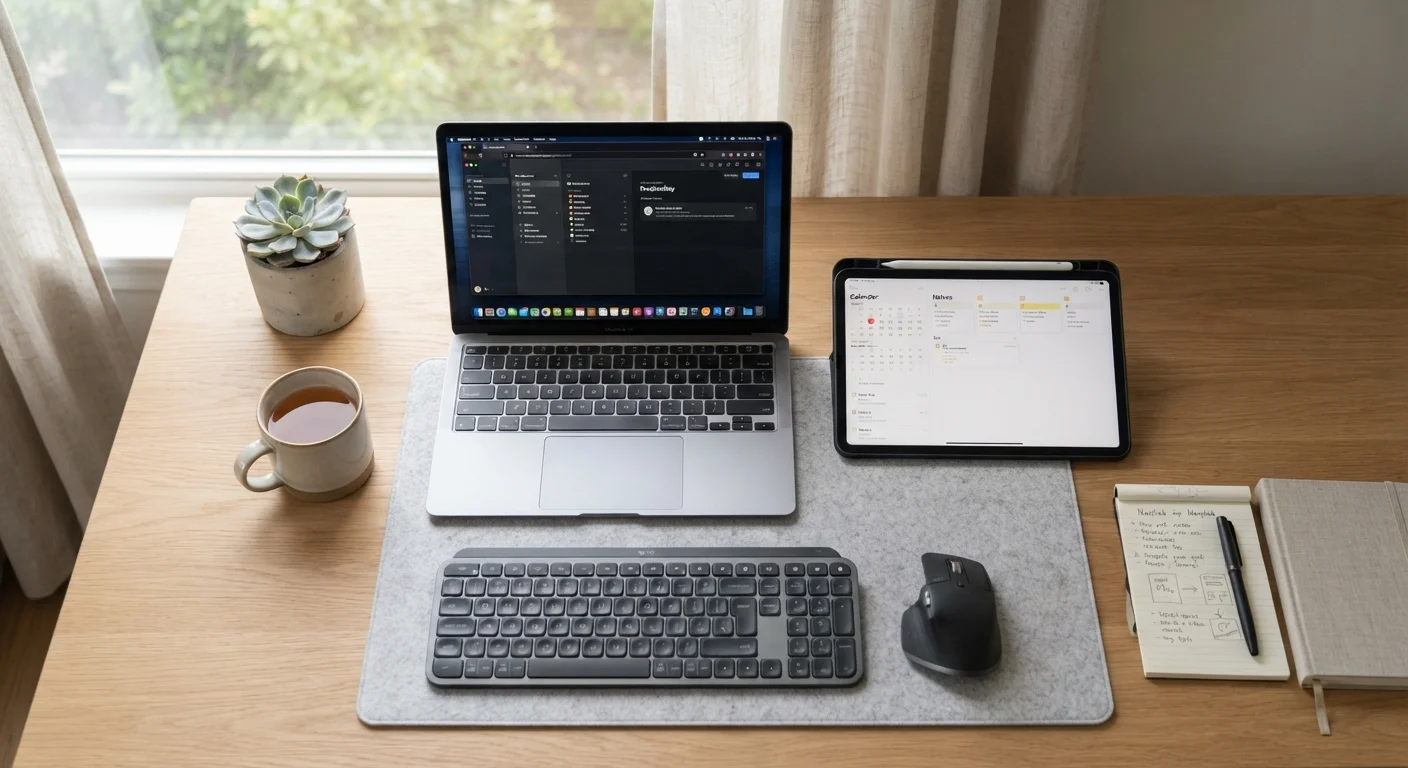
What each device is actually designed to do
A tablet is a touchscreen device that runs a mobile operating system, typically iPadOS or Android. It has no built-in keyboard, and its app library comes from mobile app stores rather than traditional software vendors. That design works extremely well for tasks that involve touching, scrolling, and watching: reading the news, streaming a show, or joining a video call.
A laptop runs a full desktop operating system, either Windows or macOS. That distinction matters more than the physical keyboard. Desktop operating systems support local file systems, background processes, and software that simply does not exist on mobile platforms. When you open a browser on a laptop, you get the full version of every website; on a tablet, some sites still serve a simplified mobile layout even when you request the desktop view.
Understanding this gap at the operating system level helps explain why a tablet with a keyboard attached still is not the same device as a laptop. The keyboard solves the typing problem; it does not change what software can run or how the device manages files. For more on how local software differs from browser-based tools, see this breakdown of local apps versus web apps.
Head-to-head: how they compare across common tasks
For everyday Americans, a handful of tasks cover most daily device use: email, web browsing, video calls, document editing, and media consumption. Each form factor handles these differently.
| Criterion | Tablet | Laptop |
|---|---|---|
| Email (short replies) | Works well | Works well |
| Email (long, formatted messages) | Slower without keyboard | Comfortable and fast |
| Web browsing | Good; limited extensions | Full browser support |
| Video calls | Excellent; easy to hold | Good; needs a surface |
| Document editing | Basic; one app at a time | Full-featured; multi-window |
| Desktop software | Not supported | Fully supported |
| File management | Limited | Complete |
| Typical battery (light use) | 8-12 hours | 5-10 hours |
| Typical weight | Under 2 lbs | 3-5 lbs |
Email on a tablet is fine for reading and short replies. Writing a long, formatted message with attachments is slower on glass than on a physical keyboard. Web browsing on a tablet is comfortable for casual use, but browser extensions, which many people rely on for password managers or ad blockers, are limited or unavailable on mobile browsers. Video calls work well on both; tablets often have the edge for casual calls because you can hold them or prop them without a desk.
Document editing is where the gap widens. A laptop lets you use the full version of word processors and spreadsheet tools, manage multiple windows side by side, and move files between applications without workarounds. Tablets require you to stay largely within one app at a time on smaller screens.
Battery life and portability in practice
Tablets generally last longer between charges than laptops when used for light tasks. Their processors are designed for efficiency rather than maximum performance, which pays off during a long flight or a day away from an outlet.
Weight matters too. A typical tablet weighs under two pounds. A typical laptop weighs three to five pounds, and adding a power brick increases that further. For someone who carries a device in a bag all day, that difference is felt by the afternoon.
Under 2 lbs
Typical tablet weight
Most current 10-to-13-inch tablets weigh between 1 and 1.9 pounds without a keyboard case attached.
8-12 hours
Typical tablet battery (light use)
Battery life varies by model and usage; streaming video or video calls will reduce these figures noticeably.
3-5 lbs
Typical laptop weight
Thin-and-light laptops can reach around 2.5 lbs, while traditional 15-inch models often exceed 4 lbs.
The tradeoff is that tablets do not replace a laptop when you need to do sustained work. If you are away from a desk for a full work day and need to draft reports, manage a project, or run specialized software, a tablet's battery advantage does not compensate for its capability limits.
When the lines blur: tablets with keyboards and lightweight laptops
Keyboard cases and detachable keyboard accessories have made tablets more capable for text-heavy work. If you already own a tablet and add a keyboard, you can handle moderate writing tasks without buying a separate device. The right productivity app setup matters here: a tablet with a keyboard works best when your workflow lives mostly in a small number of apps rather than across many tools.
On the other side, thin-and-light laptops have closed some of the portability gap. A 13-inch laptop in the two-and-a-half-pound range gives up little in portability while retaining a full operating system. If you are choosing a device from scratch rather than accessorizing one you own, a lightweight laptop covers more scenarios than a tablet-plus-keyboard combination at similar weight.
Tablet operating systems are improving
iPadOS and Android have added multitasking features, external display support, and more capable file management in recent versions. The gap between tablets and laptops for moderate tasks is smaller than it was a few years ago. However, the underlying limitation of mobile app availability versus full desktop software remains. Check current software availability for any specific application before assuming a tablet can replace a laptop for that task.
For app-focused tasks like managing your calendar, reading, or organizing notes, both form factors work. The apps and software hub has practical guidance on getting the most from the tools you use daily, regardless of the device they run on.


