

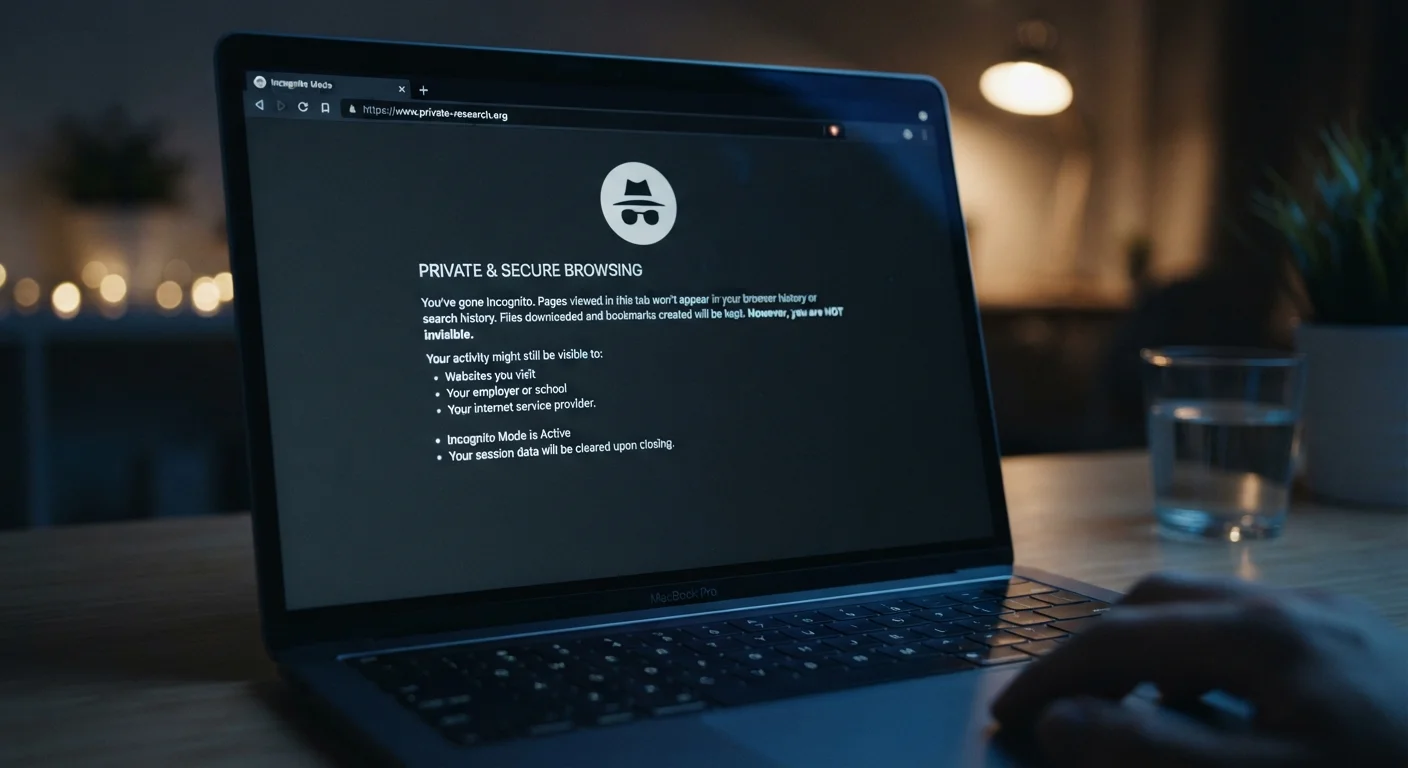
What incognito mode actually does
Every major browser, Chrome, Firefox, Safari, Edge, offers a private browsing mode. The names differ, but the behavior is consistent. When you open a private or incognito window, your browser does three things: it does not write new entries to your browsing history, it does not save cookies after the session ends, and it does not store form data or passwords you enter. When you close the window, those records are gone from your device.
That is a genuinely useful set of behaviors in specific situations. If you share a computer with family members and want to keep a gift search or personal appointment out of the browser history, incognito mode does the job. It also prevents sites from reading cookies left by earlier sessions in the same browser, which can affect what prices or content you see in some cases.
What it does not do is change anything about your network connection. Your IP address, which is the identifier your internet service provider assigns to your connection, goes out with every request you make. See what your IP address reveals about you for a fuller picture of what that identifier exposes.
Common myths about private browsing
The gap between what people think incognito does and what it actually does is wide. Most of that gap comes from the word "private," which implies a level of invisibility the feature was never designed to provide. The myths below cover the most common misunderstandings.
Myth
Incognito mode makes you anonymous online. Websites and advertisers cannot track you while you browse privately.
Fact
Websites can still identify you through your IP address, login sessions, and browser fingerprinting during an incognito session.
When you open an incognito window, your browser stops recording your history and discards cookies when the session ends. However, the sites you visit receive your IP address with every request, just as they would in a normal window. If you log into any account during that session, the site ties your activity to your identity. Advertisers can also use browser fingerprinting, a technique that identifies your device by combining details like screen resolution, installed fonts, and browser version, to track you even without cookies. For more on these tracking methods, see how websites track your behavior.
Myth
Your internet service provider cannot see what you do in incognito mode.
Fact
Your ISP sees the same traffic in incognito mode as in a regular browser window, because incognito only affects local storage.
Incognito mode is a local privacy tool. It controls what your browser writes to your device, nothing more. Your internet service provider (ISP) sees your DNS requests and the IP addresses you connect to regardless of which browser mode you use. On a standard HTTP connection, they can also see the full content of pages you visit. Even on HTTPS, they can see the domain names you connect to. To understand what HTTPS does and does not protect, see what the padlock in your browser actually means.
Myth
Using incognito mode is the same as using a VPN. Both give you the same level of privacy.
Fact
A VPN masks your IP address and encrypts your traffic at the network level. Incognito mode does neither of those things.
Incognito mode and a VPN operate at completely different levels. Incognito changes what your browser saves on your device after a session. A VPN routes your traffic through an encrypted tunnel to a remote server, hiding your real IP address from the sites you visit and your traffic content from your ISP. They are not interchangeable. Using both together provides more protection than either alone, though a VPN has its own limitations. What a VPN does and does not protect covers those limits in detail.
Myth
Incognito mode protects you from viruses and malware while you browse.
Fact
Incognito mode has no effect on malware. Malicious downloads and scripts run the same way in any browser mode.
Private browsing affects only the data your browser saves between sessions: history, cookies, and cached files. It does not add a security layer between you and malicious websites. If you download a file in incognito mode, that file lands on your device just as it would normally. A phishing site looks identical whether your browser is in private mode or not. Security against malware comes from your operating system, browser security settings, and any antivirus software you run, none of which are changed by incognito mode.
Myth
Incognito mode prevents employers from seeing your browsing on a work computer.
Fact
Employers who monitor network or device activity see your browsing regardless of whether you use incognito mode.
Network monitoring tools operate at the infrastructure level, capturing traffic as it passes through routers and firewalls. Some employers also install endpoint software directly on company devices that logs activity at the operating system level. Incognito mode only prevents your browser application from saving a local history file. It does nothing to conceal traffic from monitoring software that sits above or below the browser layer.
When incognito mode is actually worth using
Private browsing is a reasonable tool when the goal is to keep activity off a specific device. Logging into a secondary account without disrupting your main session is a practical use: incognito opens a clean cookie environment so the two sessions do not interfere with each other. Shopping or searching on a shared family computer without leaving a trail in autocomplete or history is another legitimate case.
Incognito is less useful when your concern is what outside parties can observe. If you want to reduce what your ISP or the websites you visit can see, you need tools that work at the network level. A privacy-focused DNS service, HTTPS connections, or a VPN each address different parts of that problem. VPN protections and their limits is worth reading if network-level privacy is your goal.
Incognito is not anonymous browsing
Opening an incognito window tells your browser not to save a local record of your session. It does not encrypt your traffic, mask your IP address, or prevent the sites you visit from identifying you. Anyone monitoring your network connection, including your internet service provider, can still see the sites you access.
Understanding the boundary between local privacy and network privacy is the most useful thing to take from any discussion of incognito mode. Local privacy means keeping information off your device. Network privacy means controlling what others can see as your traffic moves across the internet. Incognito mode handles the first; it does not touch the second.


