

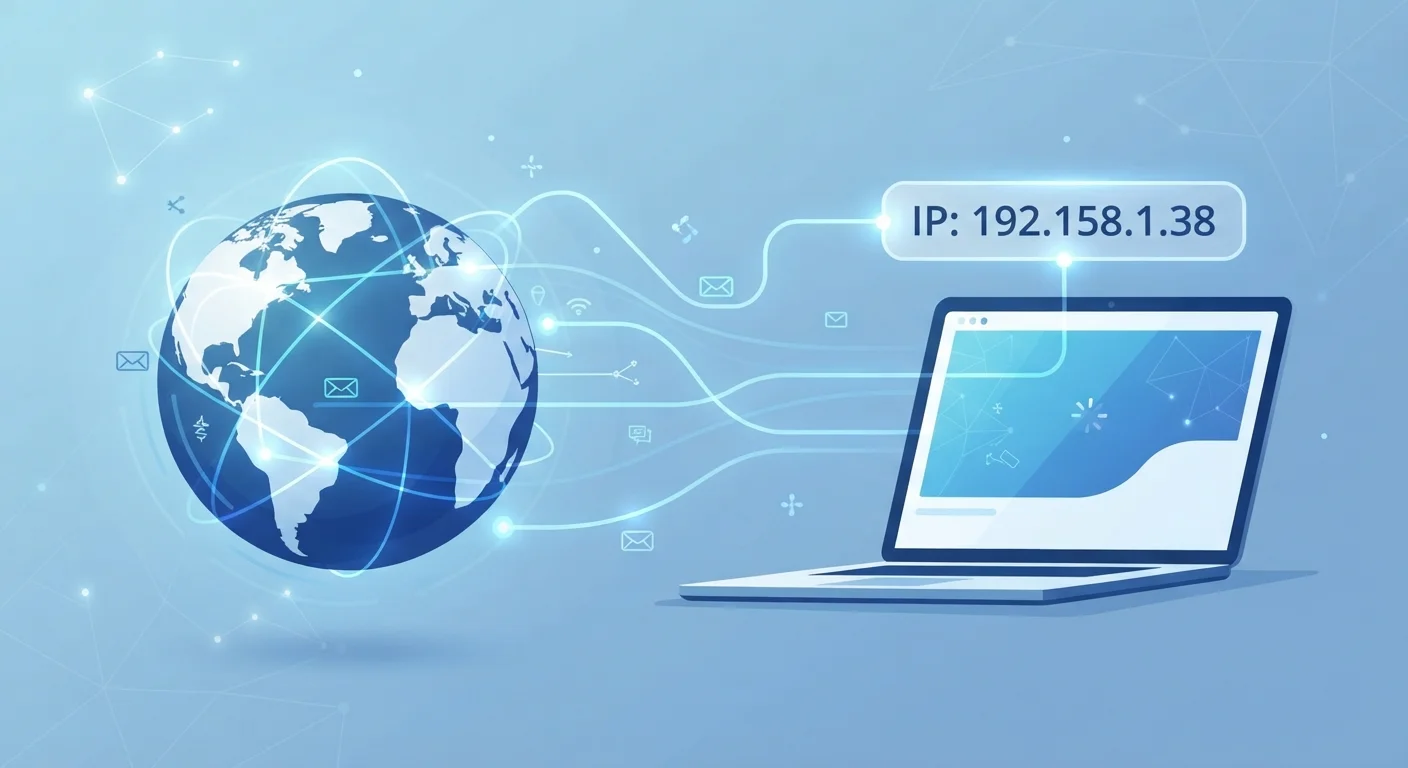
How an IP address works
Every time you open a browser and type a web address, your device sends a request across the internet to a server somewhere else in the world. That server needs to know where to send the response, and your IP address is what makes that possible. Think of it as a return address on an envelope: without it, the reply has nowhere to go.
Your internet service provider (ISP) assigns your home network an IP address when your modem or router connects to their infrastructure. That address is attached to every request your devices send out, whether you are loading a news article, streaming a video, or checking email. The websites and services you contact receive that address automatically; you do not have to supply it.
Addresses following the IPv4 standard look like four numbers separated by periods, such as 203.0.113.45. IPv6 addresses are longer and use both numbers and letters, created to handle the billions of devices now online. The format differs, but the function is the same.
Dynamic vs. static IP addresses
Most home internet customers receive a dynamic IP address, meaning the ISP can reassign a different number at any time, often when your router restarts or after a set period. Businesses and developers sometimes pay for a static IP address that never changes, useful for hosting servers or maintaining consistent remote access. For most households, the IP address changes often enough that it is not a permanent identifier, though it can still be linked to your ISP account if needed.
What your IP address actually reveals
Your IP address is not a secret. Any website, app, or online service you connect to can see it. The question is what that number actually tells someone who has it.
The most consistent information an IP address exposes is your approximate location and your ISP. Geolocation databases map IP ranges to geographic areas, which means a website can often determine the country, state, and city associated with your connection. The accuracy varies: it is usually reliable at the city level but far less precise at the neighborhood or street level.
Beyond location, your IP address can indicate whether you are connecting from a residential line, a corporate network, a university, or a cloud server. That context matters to services trying to detect fraud or unusual access patterns.
What an IP address does not reveal on its own: your name, your precise home address, your browsing history, or the content of your communications. To link an IP address to a specific individual, an ISP would need to be involved, and that access is legally restricted in the United States. That said, IP addresses are rarely the only data point collected. Websites combine them with cookies, browser details, and behavioral signals to build more complete profiles, a process covered in our article on how websites track you.
Public versus private IP addresses
There is an important distinction between the IP address your ISP assigns to your home network and the addresses your router assigns to devices inside your home.
Your router receives one public IP address from your ISP. That is the address the outside internet sees when any device in your home makes a request. Your individual laptop, phone, or tablet each gets a private IP address from the router, used only within your local network. Those private addresses, typically in ranges like 192.168.x.x, are invisible to external websites.
This means every device in your household shares the same public IP address as far as the outside world is concerned. A website cannot distinguish between your laptop and your teenager's phone based on IP address alone.
The connection to your ISP is also relevant to security. The data traveling between your device and a website can be read in transit unless the connection is encrypted. That is what HTTPS addresses, as explained in our piece on what the padlock in your browser actually means.
How to limit what your IP address exposes
Several tools can reduce the information your IP address reveals to the sites and services you use.
A VPN (Virtual Private Network) routes your traffic through a server operated by the VPN provider. The websites you visit see the VPN server's IP address, not yours. This hides your real location from those sites but does not make you anonymous: the VPN provider can see your real IP, and other tracking methods still apply. Our guide on what VPNs actually protect against covers those limits in detail.
Tor (The Onion Router) routes your traffic through multiple volunteer-run servers, making it harder to trace back to your original IP address. It offers stronger anonymity than a VPN but is considerably slower and not suited for everyday browsing.
Switching between Wi-Fi and mobile data naturally changes your IP address, though this is not a reliable privacy strategy on its own. Your broader digital footprint includes far more than just your IP, as described in our article on the personal information you share without realizing it.
Check your own IP address
You can see your current public IP address by searching 'what is my IP address' in any search engine. The result shows exactly what websites see when you connect. Try checking it once before and once after enabling a VPN to see how the address changes.


