

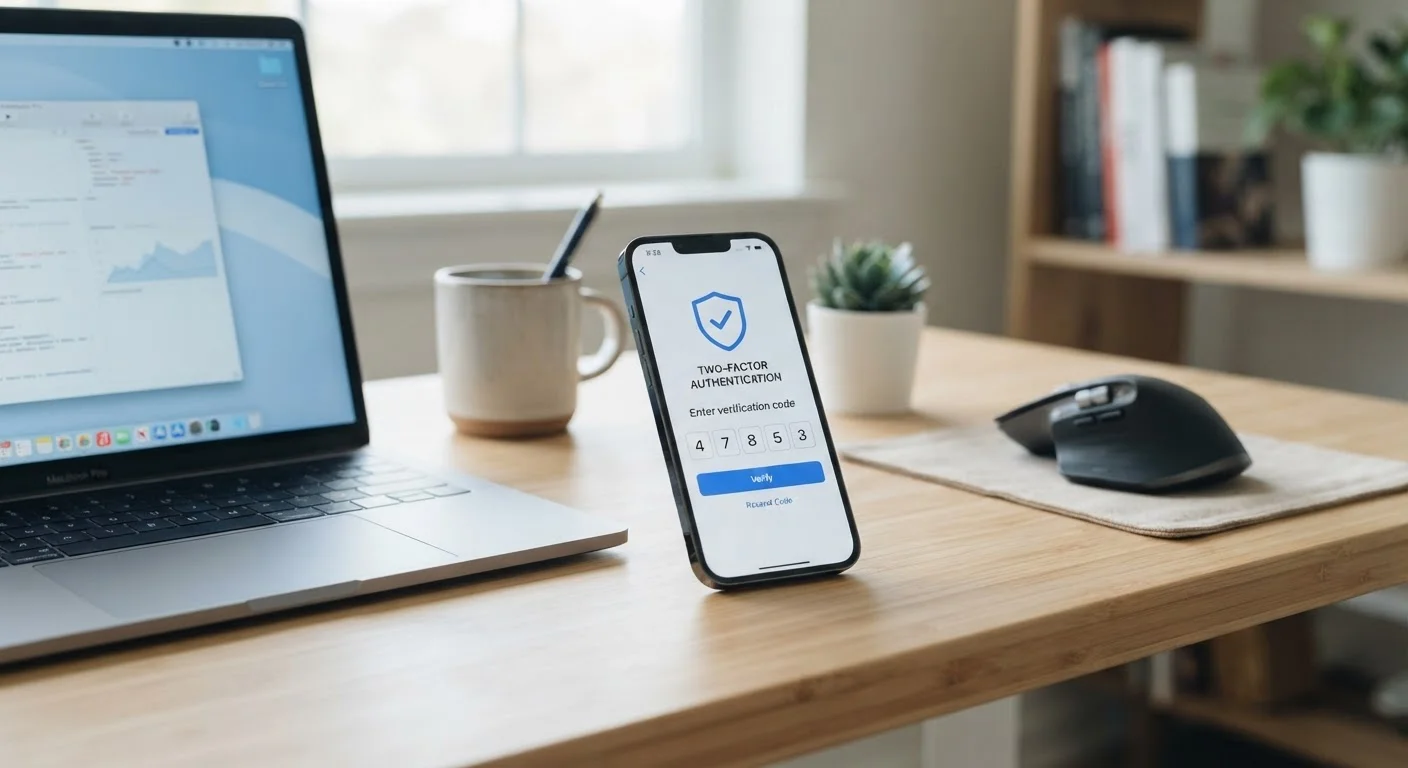
Why one password is not enough
Passwords have one fundamental weakness: once someone else has yours, your account is open to them. Passwords get exposed through data breaches at websites, through phishing emails that fool people into typing credentials on fake pages, and through simple reuse across multiple services. When a single stolen password unlocks an account, the entire barrier to entry is gone.
Two-factor authentication addresses this by requiring a second, independent proof of identity at login. Even if an attacker obtains your password, they cannot complete the login without the second factor, which is designed to be something only you physically possess or something physically tied to your body.
For a broader look at protecting credentials before 2FA even comes into play, see our guide to how password managers work.
The three categories of authentication factors
Authentication factors fall into three categories. Understanding them explains why combining two categories creates much stronger protection than doubling up within one.
- Something you know: a password, PIN, or answer to a security question. This category is vulnerable because knowledge can be shared, guessed, or stolen.
- Something you have: a physical object such as a smartphone, a hardware security key, or a smart card. Generating a time-sensitive code on a device you physically hold is hard for a remote attacker to replicate.
- Something you are: a biometric trait such as a fingerprint, face scan, or voice pattern. This factor is tied to your body rather than information you carry or remember.
Standard 2FA pairs the first category (your password) with the second (a code on your device). When both factors come from different categories, compromising one does not automatically compromise the other.
Security keys and phishing resistance
Hardware security keys that use the FIDO2 or WebAuthn standard are the only widely available second factor that is fully resistant to phishing. The key cryptographically verifies the exact domain of the site before completing authentication, so a convincing fake login page cannot capture anything useful. For most consumers, an authenticator app is still a large improvement over SMS codes, even if it does not reach that level of phishing resistance.
Common forms 2FA takes in practice
Several delivery methods exist for the second factor, and they vary in convenience and strength.
SMS codes: the service texts a short numeric code to your phone number. This is the most widespread form because almost everyone has a phone, but it is also the most vulnerable. SIM swapping, where an attacker convinces a mobile carrier to transfer your number to a new SIM, can redirect those codes.
Authenticator apps: apps such as those following the TOTP (Time-based One-Time Password) standard generate a new six-digit code every 30 seconds on your device itself. No network connection is needed to produce the code, and the code never passes through a carrier. This makes them significantly harder to intercept.
Hardware security keys: small physical devices that plug into a USB port or tap against a phone via NFC. The key performs a cryptographic exchange directly with the website, which means phishing pages cannot intercept anything useful because the key checks that the site is the genuine one.
Push notifications: some services send an approval request to a registered app; you tap to approve or deny. This is convenient but can be exploited through notification fatigue, where attackers repeatedly send requests hoping you approve one by habit.
Biometrics: fingerprint and face recognition on a device act as the second factor locally, confirming it is you before the device releases a credential to the service.
For a deeper look at how these methods work inside specific applications, see two-factor authentication inside your apps.
Over 80%
Of hacking-related breaches involve stolen or weak passwords
According to Verizon's Data Breach Investigations Report, the majority of confirmed hacking incidents exploit credential weaknesses that a second factor would help address.
99.9%
Of automated account attacks blocked by MFA
Microsoft's security research has reported that enabling multi-factor authentication blocks the overwhelming majority of automated credential-stuffing and password-spray attacks.
How to enable 2FA on your accounts
The process is consistent across most services. Go to the account settings or security settings of the service, find the section labeled two-factor authentication, multi-factor authentication, or two-step verification, and follow the prompts. For SMS-based 2FA, you enter your phone number. For an authenticator app, you scan a QR code the service displays. For a hardware key, you insert the key when prompted and press its button.
When you set up 2FA, save the backup codes the service provides. These one-time codes let you regain access if your phone is lost or your authenticator app is inaccessible. Storing them in a password manager is a practical way to keep them accessible without leaving them on a sticky note.
Priority accounts to secure first are email (because it can be used to reset every other account), financial accounts, and any account storing health or payment information.
Start with your email account
Your email address is the recovery mechanism for almost every other account you own. If an attacker controls your email, they can use 'forgot password' links to reset access to banking, social media, and shopping accounts. Enabling 2FA on your email first gives you the most protection per minute spent.


