

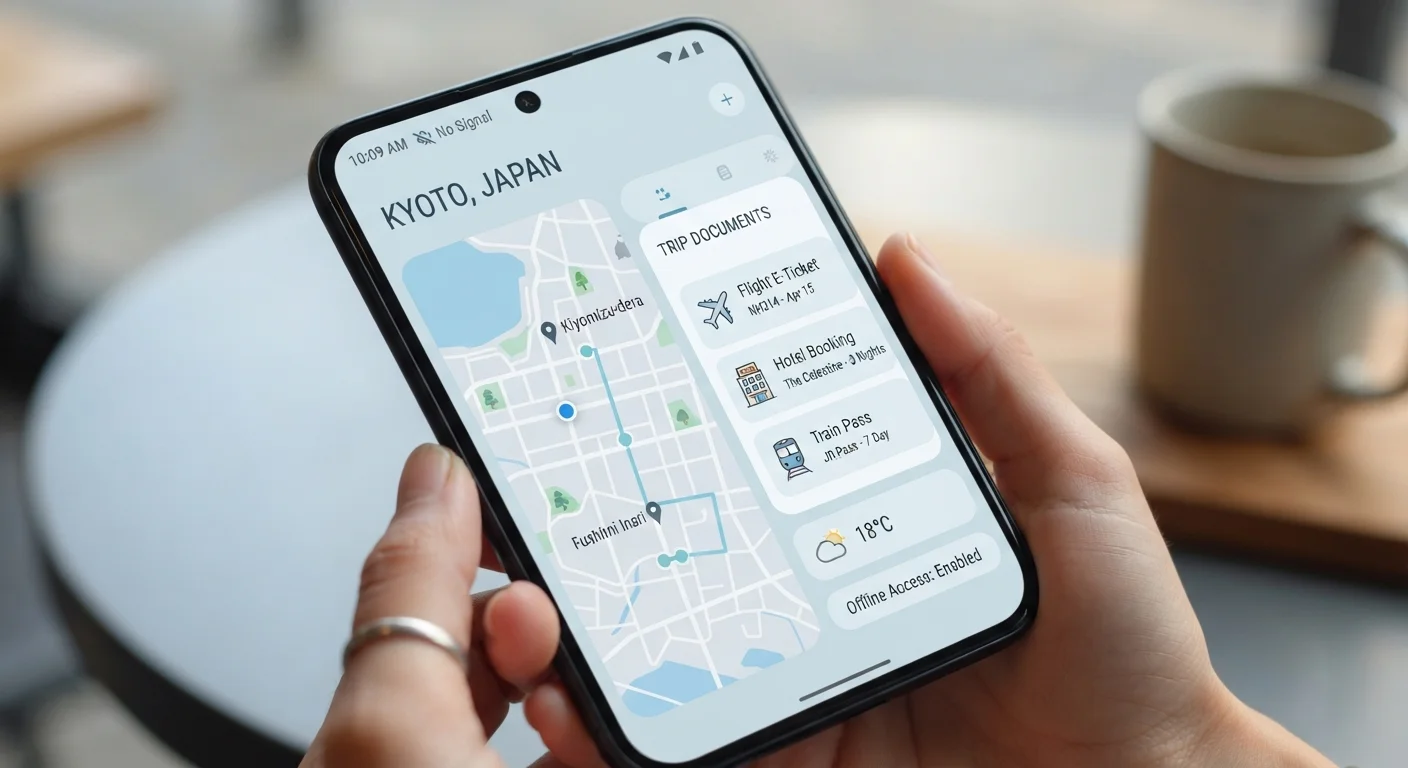
What the app actually stores on your device
When an app supports offline mode, it copies a portion of its data from a remote server onto your device's local storage during a normal connected session. That stored data, loosely called a cache, is what the app reads when no network is available.
The type of data stored differs by app category. A navigation app saves map tiles, road data, and points of interest as files. A note-taking app stores document text in a small on-device database. A podcast app writes audio files directly to your storage. In each case, the app's developers chose what to include based on what they expect you to need and how much space is reasonable to use.
This is why two apps in the same category can behave differently offline. One email client may cache only your last 30 messages; another may store everything. The operating system does not enforce a standard, so the experience is entirely defined by how each app was built.
Download content before you need it
Do not wait until you lose signal to test offline access. Open the app on Wi-Fi, find the download or 'available offline' option, and confirm the content saves before you travel or commute through a dead zone. A few minutes of preparation avoids frustration later.
How offline edits are handled
When you create or edit something while offline, the app writes your changes to local storage and marks them as pending sync. A note you write, a form you fill out, or a file you annotate gets queued in a local log.
Once your connection returns, the app compares your local version with the server version. If nothing changed on the server while you were offline, the sync is straightforward: your local changes are uploaded and the server is updated.
The harder case is a conflict. Suppose you edited a shared document offline, and a colleague changed the same paragraph from their device while you were disconnected. The app now has two different versions of the same content. Some apps merge changes automatically; others flag the conflict and ask you to choose which version to keep. A small number of apps silently discard one version, which can cause data loss. For a deeper look at what goes wrong, see our article on sync errors and disappearing data.
What cannot work offline no matter what
Some features are structurally dependent on a live server connection and cannot be replicated locally. Live search, real-time collaboration, payment processing, and authentication through a third-party service all require a round-trip to a server. An app cannot fake these by using cached data.
Even within apps that support offline mode, certain actions are blocked. Streaming video or music that has not been downloaded will not play. Sending a message goes into an outbox and waits. Uploading a photo to cloud storage pauses until the connection returns.
Web-based apps add another layer of complexity. A traditional website has no offline capability at all. Newer progressive web apps (PWAs) can use a technology called a service worker to cache assets and serve them offline, but the scope is still limited compared to a fully installed native app. The difference between local and web apps explains why that gap exists.
~4 GB
Typical offline map download for a large U.S. state
Navigation app download sizes vary by region density, but major states can require several gigabytes of local storage for full offline map coverage.
30 days
Common offline content expiry window
Many apps set cached content to expire after roughly 30 days to ensure users eventually receive updated data from the server.
How to get the most reliable offline access
The most common mistake is assuming offline mode will work without any preparation. For many apps, content must be explicitly downloaded while you still have a connection. Maps are a clear example: most navigation apps require you to select a region and tap a download button before you leave Wi-Fi range.
For documents and files, look for a pin, star, or 'make available offline' toggle in the app. This tells the app to keep a local copy even when the file would normally be stored only on the server.
Storage space on your device affects how much an app can cache. If your phone is nearly full, the app may silently skip caching content to avoid exceeding limits. Keeping a reasonable amount of free storage helps offline features work as expected. For more on how storage pressure affects overall performance, see our guide on why phones slow down over time.
If you travel frequently, building offline preparation into your pre-trip routine is worth the effort. Our device prep checklist before travel walks through the steps across maps, documents, and communication apps.


