

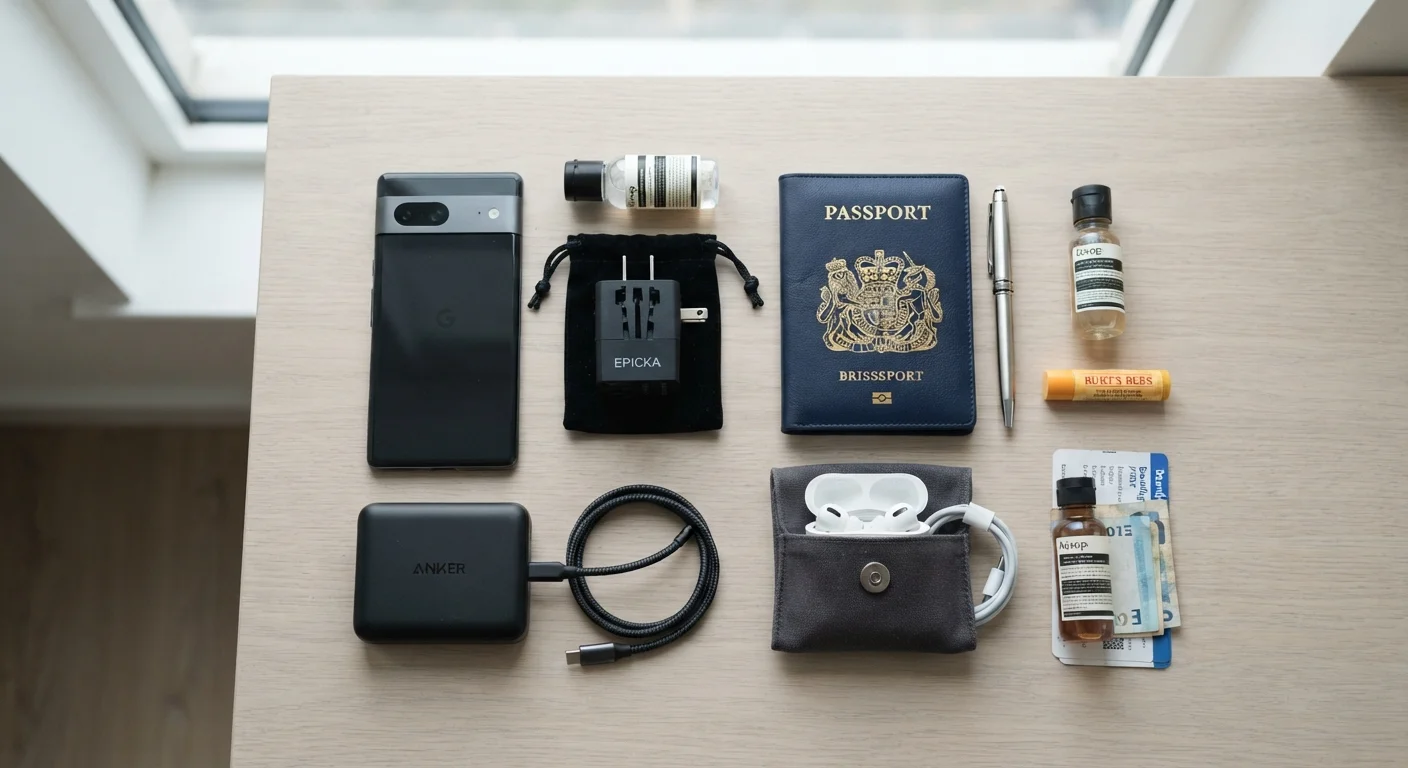
Why device prep belongs on your pre-trip list
Most travelers spend time thinking about luggage and documents, but device preparation often gets skipped until something goes wrong. A dead phone in an unfamiliar city, a roaming charge that dwarfs the hotel bill, or a corrupted backup discovered after a device is stolen: these are all preventable problems.
This checklist covers the steps worth taking a few days before you leave, not the morning of departure. Some items, like software updates and backups, need time to complete. Working through the list early gives you room to fix anything that does not go smoothly.
If you are also planning what to pack physically, the pre-trip packing checklist covers clothing, documents, and the items most travelers overlook. For road trips specifically, road trip planning from scratch walks through routes, vehicle prep, and overnight stays.
Connectivity and roaming
Offline content and apps
Software updates and backups
Security and account access
Charging and power
Final check before you walk out the door
Tools and gear worth having
Before running through the software side of this checklist, confirm you have the physical gear that supports it. A well-prepped phone means nothing if the battery dies with no way to recharge.
Portable battery charger (power bank)
Recharges your phone or other devices when no wall outlet is available, such as during long flights, train rides, or day trips.
International travel adapter
Converts the plug shape for foreign outlets so your existing charging cables work in other countries.
Offline maps app
Stores map data on your device so you can navigate without a mobile data connection.
Offline translation app
Lets you translate signs, menus, and conversations without relying on a live internet connection.
Cloud backup service
Stores a copy of your phone data remotely so it can be restored to a replacement device if yours is lost or damaged.
Multi-port USB charger
Charges several devices simultaneously from a single wall outlet, reducing the number of adapters needed.
For a closer look at how your charging habits affect battery health over time, see what the evidence actually shows about overnight charging.
A note on software updates and timing
Software updates are worth running at home, connected to your own Wi-Fi, a few days before departure. Hotel and airport Wi-Fi is often too slow to download a large system update without timing out, and some updates require a restart at an inconvenient moment.
Do not update the morning you fly
A major software update can take 20 to 45 minutes to download and install, and some updates require several restarts. Running one the morning of a flight risks your phone being stuck mid-update when you need to display a boarding pass or call a ride. Schedule updates at least 48 hours before departure so you have time to troubleshoot if anything goes wrong.
After updating, open the apps you rely on most: maps, your airline app, translation tools, and any boarding pass wallet. Confirm they still behave as expected. Occasionally an update changes a setting or signs you out of an account. Finding that out at the gate is worse than finding it on your couch.
For guidance on when an update is worth installing right away versus when it is reasonable to wait, when to update your phone's software walks through the decision.
Protecting access if a device goes missing
Losing a phone or laptop abroad is stressful on its own. Losing access to your email, banking app, and two-factor authentication codes at the same time makes it significantly worse. A few steps taken before departure give you a recovery path without depending on the lost device.
Write down or print the backup codes for any account that uses an authenticator app. Store them separately from your phone, such as in your travel wallet or with your passport. If your phone disappears, those codes let you log back in from a different device.
Enable your device's remote wipe feature before you leave. On iPhones, this is Find My. On Android devices, it is Find My Device. Both require the feature to be turned on in advance and the device to be connected to the internet at the time of the wipe. Setting it up after the phone is gone is too late.
For anyone who routinely manages apps across devices, switching phones without losing your app data covers how to migrate data safely, which is also relevant after a device replacement due to loss or theft.


