

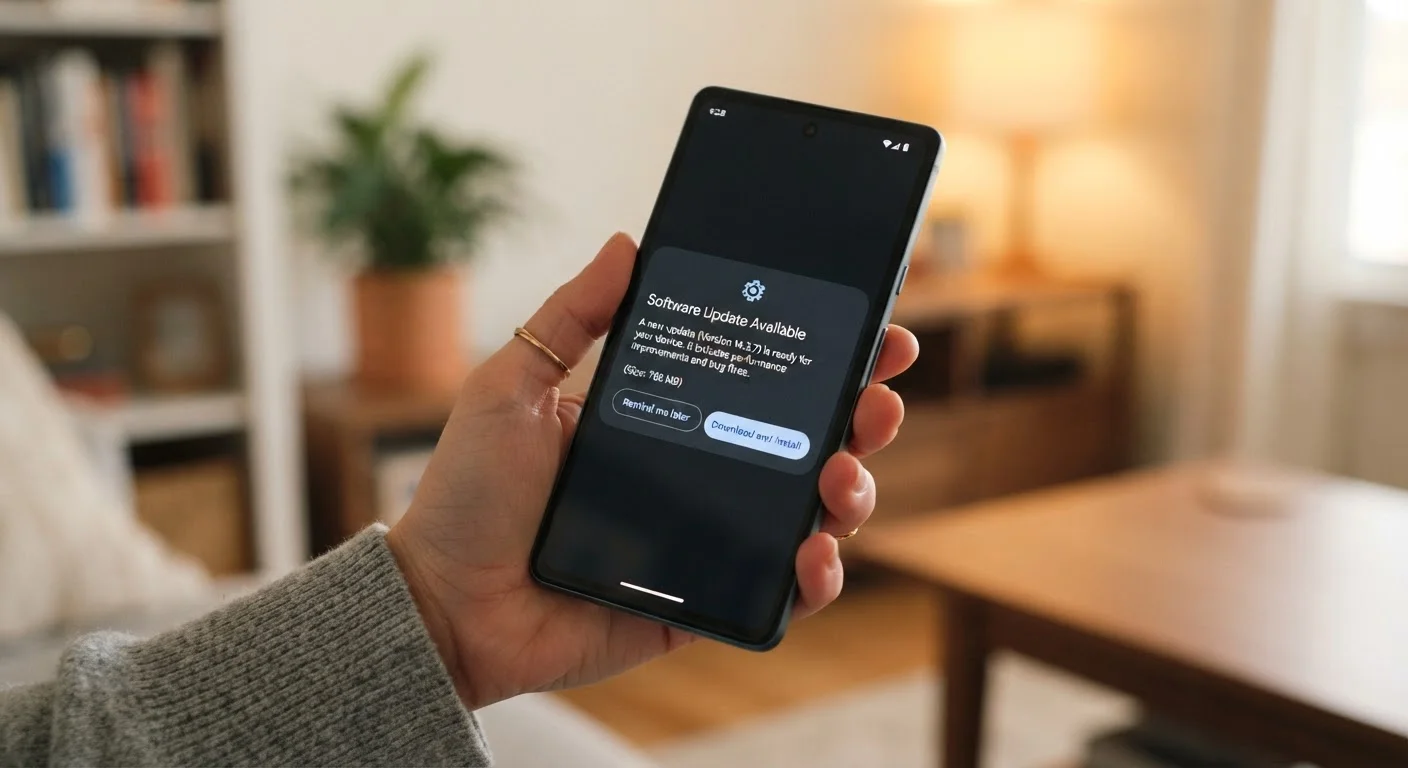
Why software updates matter more than most people realize
A software update is not just a list of new features. It is a set of changes to how your phone works, and those changes fall into a few distinct categories: security patches, bug fixes, performance adjustments, and new functionality. Understanding which type of update you are looking at changes how urgently you should act.
Security patches address specific vulnerabilities that attackers can use to access your device, intercept your data, or install malicious software without your knowledge. These are the updates that cannot wait. Bug fixes correct errors in existing software, often things you may not have noticed. Performance and feature updates are the least urgent category for most users.
Both Android and iOS publish security bulletins that describe what each patch addresses. You do not need to read every line, but checking whether an update is labeled a security patch versus a major feature release helps you prioritize. For a deeper look at how app-level software changes can affect your data, see how sync errors and data loss happen.
When to update without hesitation
Install a security patch as soon as it is available. Manufacturers release these on a schedule, and the window between a patch release and active exploitation of the underlying vulnerability is often short. Delaying a security update does not protect you from bugs in the new software; it leaves you exposed to the bug the patch was written to fix.
The same logic applies to updates that address a specific, well-publicized flaw. If a vulnerability is being actively exploited, your phone's manufacturer or operating system developer will typically say so in the update description. That language is your clearest signal to act immediately.
Minor bug-fix updates are also low-risk. They rarely change how your phone behaves in noticeable ways, and the problems they fix are usually more disruptive than the update itself.
When waiting a short time is reasonable
Major operating system version upgrades, the kind that change the first number in your software version, carry more risk of unexpected behavior. A new major version can change how apps interact with your phone, alter battery performance, or introduce bugs that were not caught before release.
Waiting one to two weeks after a major release gives time for other users to discover serious problems. Manufacturers often release a follow-up patch within days of a major launch when a significant bug surfaces. If you track tech news lightly, a quick search for your phone model and the new version number will tell you whether early adopters are reporting widespread problems.
This caution applies mainly to major version upgrades. Point releases, which change the second or third number in a version string such as going from 17.4 to 17.4.1, are typically targeted fixes and carry little risk.
What to do before you update
Back up your phone before any major OS update. This is the one step that removes most of the downside risk. If an update causes a problem, a recent backup means you can restore your data. Both Android and iOS have built-in backup tools that save your contacts, photos, app data, and settings either to the cloud or to a computer.
Check that you have enough storage space. Updates require temporary working space to install, and a phone with very little free storage can fail mid-update, which occasionally leaves software in a broken state. As a general rule, having at least 2 to 3 gigabytes free before a major update reduces that risk.
Charge your battery or plug in before starting. An update that is interrupted by a dead battery can corrupt your phone's software. Most phones will warn you if your battery is too low to begin an update, but plugging in removes the risk entirely.
If you are planning a trip soon, complete any pending updates before you leave. Preparing your devices before you travel covers this and other steps worth taking ahead of time.
The case of an older phone that stopped receiving updates
Phone manufacturers commit to providing software updates for a fixed number of years after a device is released. Once that window closes, the phone stops receiving security patches. This is a significant concern, not a minor inconvenience.
Running a phone with no active security support means that known vulnerabilities go unpatched. Attackers do find and use these gaps. If your phone has not received a security update in more than a year, it is worth considering whether the device is still appropriate for sensitive tasks like banking, email, or storing passwords.
A phone that slows down over time is frustrating, but a phone that is no longer receiving security updates is a different category of problem. For more on what actually causes performance to degrade and what you can do about it, see why your phone slows down over time. If updates have stopped entirely, the process of switching phones without losing your app data is worth understanding before you need it.


