

The data you give away without a second thought
Most people think of privacy breaches as dramatic events: a hacker, a stolen password, a headline-grabbing leak. The everyday reality is quieter. Ordinary actions, sending a photo, opening an app, connecting to a website, hand over personal information constantly, and the process is almost entirely invisible.
This is not about paranoia. It is about knowing which actions carry a data cost so you can decide when that trade-off is worth it. The items below cover the most common ways personal information leaves your hands without a deliberate choice on your part. For a broader look at how websites follow your activity across the web, see how cookies, trackers, and fingerprinting work.
Metadata embedded in photos
Every photo taken on a smartphone includes a block of hidden data called EXIF metadata (Exchangeable Image File Format). This can contain the exact GPS coordinates where the photo was taken, the date and time, the device model, and camera settings. When you post that photo to a social media platform or email it directly, anyone who receives the file may be able to read this information with free tools.
Major social platforms typically strip EXIF data before displaying images publicly, but that stripping happens after the upload. The platform itself receives the full metadata. Sharing photos directly through messaging apps or email usually leaves all of it intact. On most smartphones, you can remove location data before sharing by using the built-in sharing options, which often include a "remove location" toggle, or by using a dedicated metadata-removal app.
A photo you share can reveal exactly where and when it was taken, along with your device model.
Background location access from apps
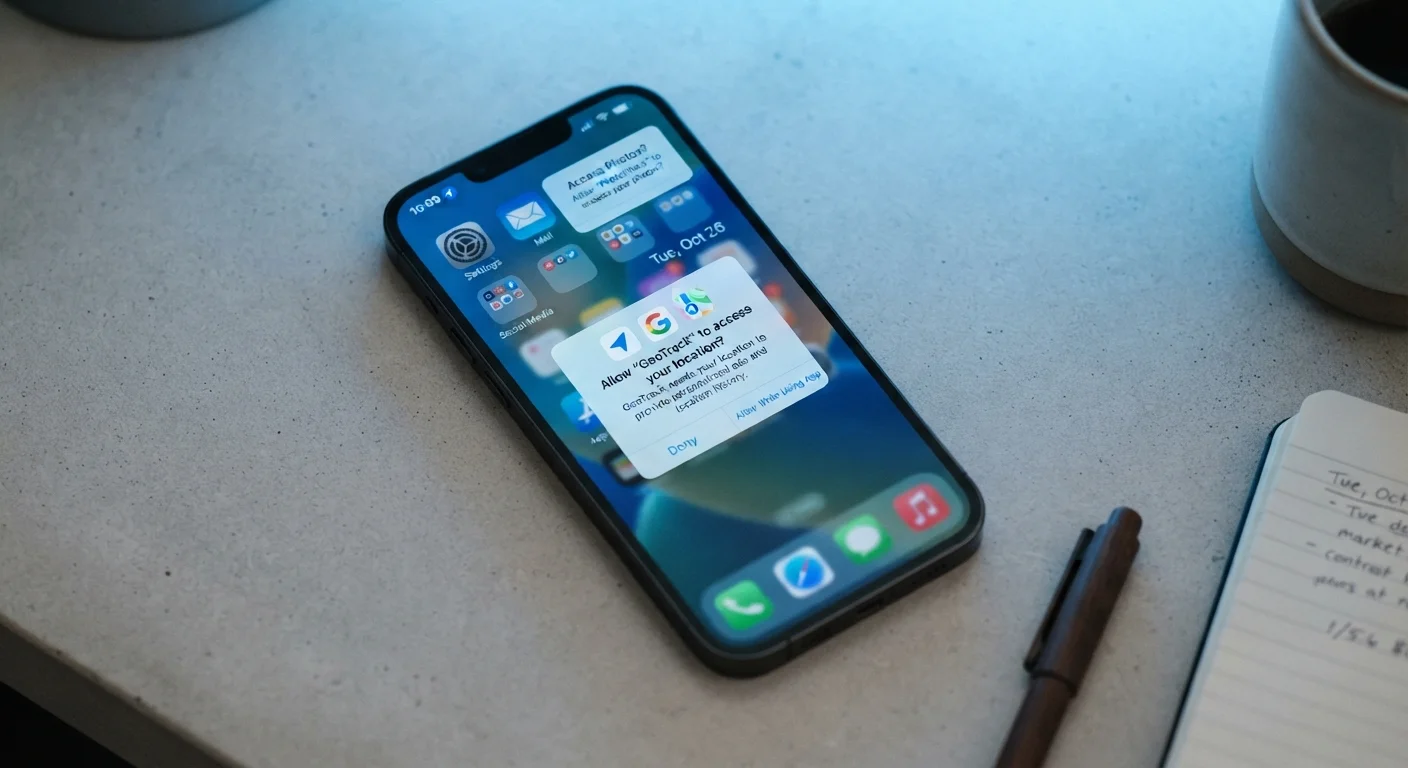
When you grant an app permission to access your location, many request "always on" access rather than "only while using the app." The difference matters: always-on access lets the app log your location continuously, even when the app is closed and sitting in the background. Over time, this builds a detailed pattern of where you live, work, shop, and travel.
Weather apps, navigation tools, and retail apps commonly request this level of access. It is worth checking your phone's location settings periodically. Both Android and iOS show a list of apps with location permission and let you change each one from "always" to "while using" or "never." For apps where real-time location adds no clear benefit, restricting it costs you nothing practical. See also what app permission requests really mean.
"Always on" location access lets apps log your movements around the clock, not just when you open them.
Your IP address and what it tells websites
An IP address (Internet Protocol address) is a number automatically assigned to your device by your internet provider whenever you go online. Every website you visit receives your IP address as part of the connection. From it, a site can typically identify your approximate city, your internet service provider, and sometimes your general neighborhood.
On its own, an IP address does not reveal your name or exact street address. Combined with other data points, such as login details, cookies, or browsing patterns, it becomes a more useful identifier. Websites, advertisers, and analytics services routinely log IP addresses. If this concerns you, a VPN (Virtual Private Network) routes your traffic through a different server, masking your real IP from the sites you visit. Learn more about what your IP address reveals and when it matters.
Every website visit automatically hands over your IP address, which can place you within a few miles.
Voice assistant recordings
Smart speakers and phone-based voice assistants listen for a wake word continuously. When the device believes it heard the trigger, it records a short audio clip and sends it to the company's servers for processing. Accidental activations, sounds that resemble the wake word, also get recorded and transmitted.
These recordings are stored, and in some cases reviewed by company employees as part of quality assurance processes. The major voice assistant providers offer account dashboards where you can review and delete your stored recordings. Turning off the voice assistant entirely when it is not needed, or setting it to manual activation, removes this data flow altogether.
Accidental wake-word triggers are recorded and sent to company servers just like intentional commands.
Browser autofill and stored form data
Browsers offer to remember names, addresses, phone numbers, email addresses, and payment card details to speed up form filling. That stored data sits on your device, but it is also accessible to browser extensions you have installed, and in some cases to scripts running on web pages that auto-populate hidden fields.
Security researchers have demonstrated techniques where a form's autofill fills in fields that are not visible to the user, silently passing details to the page. This does not happen on every site, but it illustrates that autofill shares more than what you can see. Reviewing what your browser has stored (found in browser settings under "autofill" or "passwords") and removing entries you no longer need reduces this exposure. Payment details stored in a browser carry the highest risk and are worth moving to a dedicated password manager instead.
Browser autofill can populate hidden form fields, sending your details to a site without you seeing it happen.
Account activity tied to social logins
The "Sign in with Google" or "Sign in with Facebook" buttons on third-party sites are convenient, but they create a data link between that site and the platform you used to log in. The platform learns which sites and apps you connect to, and the third-party site receives a set of profile details from your account.
Over time, a list of every service you have authenticated through a single platform is a detailed map of your digital activity. Both Google and Apple provide a page in account settings listing all connected apps, where you can revoke access to ones you no longer use. Removing old connections is a useful periodic habit, particularly for apps or services you have stopped using. Before deleting an app, revoking its social login access is one step worth doing first.
Social login buttons tell the platform which other services you use, building a map of your app activity.
Small adjustments that make a real difference
None of these data flows require technical expertise to address. Reviewing app permissions takes a few minutes. Stripping photo metadata before sharing is often a single toggle. Checking what your browser stores costs nothing but a quick look through settings. You do not need to overhaul your digital life; targeting the highest-exposure habits covers most of the risk.
For a closer look at what each permission screen is actually requesting, understanding app permissions walks through each category plainly. And if you use free apps regularly, the trade-offs of free apps explains what data typically funds them.
Build a short annual review habit
Once a year, open your phone's location and permissions settings and scan the full list of apps. Remove location access from anything that does not clearly need it. Check your Google or Apple account for connected third-party apps and revoke any you have not used recently. This takes under 15 minutes and addresses most of the data exposures in this article.


