

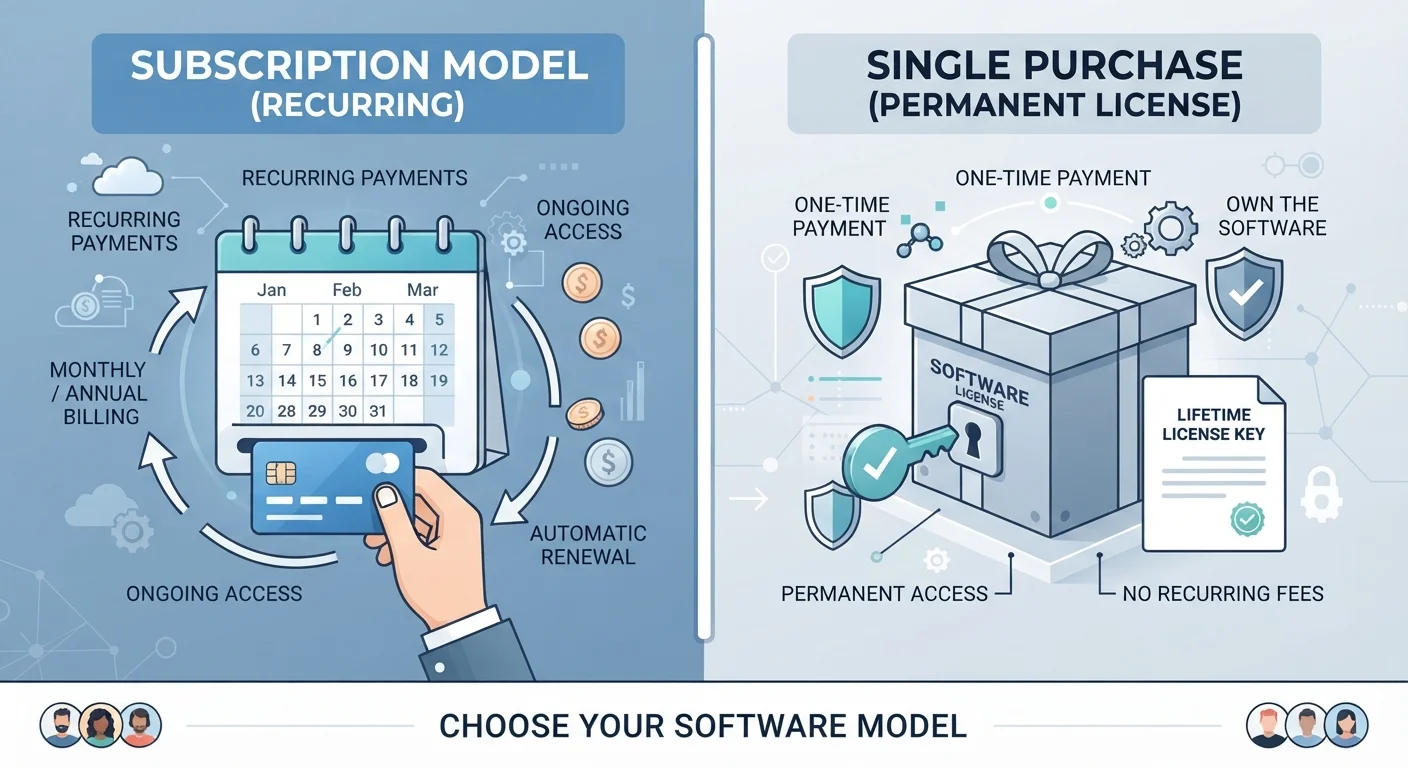
What each model actually means
Software companies use two main licensing structures. With a subscription model, you pay a recurring fee (monthly or annually) to access the software. That access continues as long as payments do. With a perpetual license (the one-time purchase model), you pay once and own the right to use that specific version of the software indefinitely.
Subscription software is often cloud-connected, meaning features, storage, or sync capabilities may depend on an active account. Perpetual license software runs locally on your device. If the internet goes down or the company shuts down, a perpetual license typically still works; a subscription may not, depending on how the software is designed.
For a broader look at how installed and browser-based tools differ in practice, see local app vs. web app.
| Criterion | Subscription software | One-time purchase software |
|---|---|---|
| Payment structure | Recurring (monthly or annual) | Single upfront payment |
| Updates included | Yes, automatically | Minor fixes only; major versions cost extra |
| Access if you stop paying | Stops immediately | Continues indefinitely |
| Multi-device access | Usually included | Often limited by license terms |
| Cloud/sync features | Commonly included | Rarely included |
| Long-term cost | Higher if used for many years | Lower if skipping upgrades |
| Works offline | Sometimes, with limitations | Yes, fully |
How the costs stack up over time
The upfront price of a perpetual license is usually higher than a single month or year of a subscription. Over a short period, the perpetual license often wins on cost. Over several years, subscriptions can surpass the perpetual license price, especially if you skip major version upgrades on the perpetual side.
The comparison gets more complicated when you factor in upgrade pricing. Many perpetual license vendors charge a separate fee for major new versions. If you buy version 1 and version 2 costs another significant sum two years later, your total spend rises. A subscription bundles those updates into the recurring fee, so there is no separate upgrade bill.
Recurring software costs are easy to lose track of in a household budget. Separating subscription costs from other digital expenses can help you see exactly what you are spending across all your tools. The same principle applies to software as it does to other recurring commitments, similar to how owning versus leasing a car changes your monthly obligations and long-term total cost.
Updates, support, and what stops working
Subscription software receives updates as part of the fee. Security patches, new features, and compatibility fixes arrive without any action from you beyond keeping your account active. This matters for tools where security vulnerabilities are a concern, such as PDF editors, communication apps, or anything handling sensitive files.
Perpetual license software receives updates only up to a point. The version you purchased may get bug fixes for a year or two, but the vendor eventually moves focus to the next paid version. At that stage, your copy still works, but it will not receive new features and may eventually lose compatibility with newer operating systems.
When a subscription lapses, access typically stops immediately. Some tools let you export or read files in a reduced mode; others lock you out entirely. With a perpetual license, the software keeps running on the version you purchased, even if the company goes out of business or stops selling the product.
For context on what software gives up when it is free rather than paid, free app trade-offs covers what no-cost tools typically involve.
Choosing the right model for your situation
The right structure depends on two factors: how much the software changes over time, and how long you plan to use it.
If a tool updates frequently (creative software, office productivity suites, security tools), subscriptions tend to deliver more value because you stay current without separate upgrade costs. If a tool is relatively stable (a simple text editor, a niche utility), a perpetual license may serve you for years without any additional spending.
Consider also what happens if you need to stop. A perpetual license gives you a working copy to keep. A subscription that lapses may leave you without access to the software and, in some cases, without access to files stored in a proprietary format. Checking file export options before committing to a subscription is a practical precaution.


